Explore
Wedding audio guestbook with a QR code, no rental phone
Collect your guests' voices alongside photos, videos and written messages. One QR code opens your event page in their phone browser.
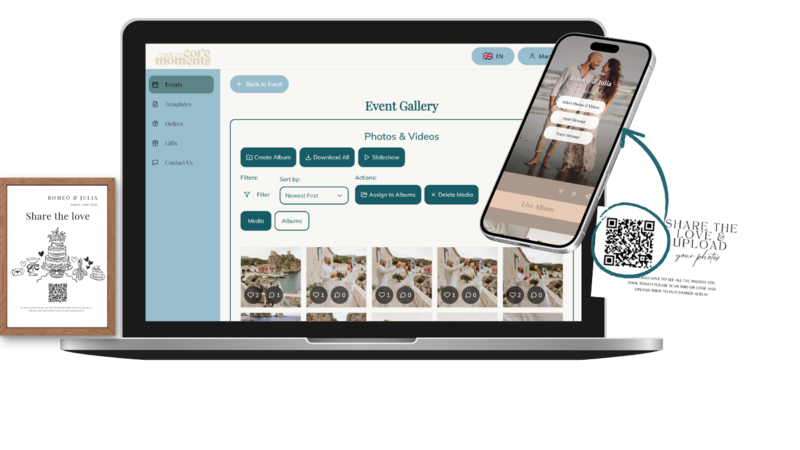
A written note captures the words. A voice message also keeps the laugh, the pause and the familiar voice. Capture Core Moments lets guests leave spoken messages from the same event page they use for photos and videos.
How guests leave a message
- Create your event and share its QR code or link.
- Guests open the upload page in their phone browser.
- They choose the voice-message option and allow microphone access when asked.
- They record their message and send it to your event.
- You return to the messages after the celebration and download your keepsakes.
No guest app or account is required. Recording needs a compatible browser, microphone permission and an internet connection. Test the experience on the phones your guests will use.
A quiet place makes a better recording
Put a small instruction card away from speakers and invite guests to take their time. Try prompts such as “What is your favourite memory of us?” or “What would you like us to hear on our next anniversary?” Participation should always be optional.
Browser guestbook or a telephone?
A rental telephone can be a decorative station and a shared activity. A browser guestbook lets guests use their own phone from different parts of the venue. Choose the experience you prefer; this page describes browser recording rather than telephone rental.
Photos and voices together
Use separate albums for different parts of your celebration and include written wishes from guests who prefer typing. Check packages and time periods and guest visibility before sharing your code. Our QR card templates help explain the flow.
Create your event, download your QR code and let guests upload photos and videos without an app.
Create your event